
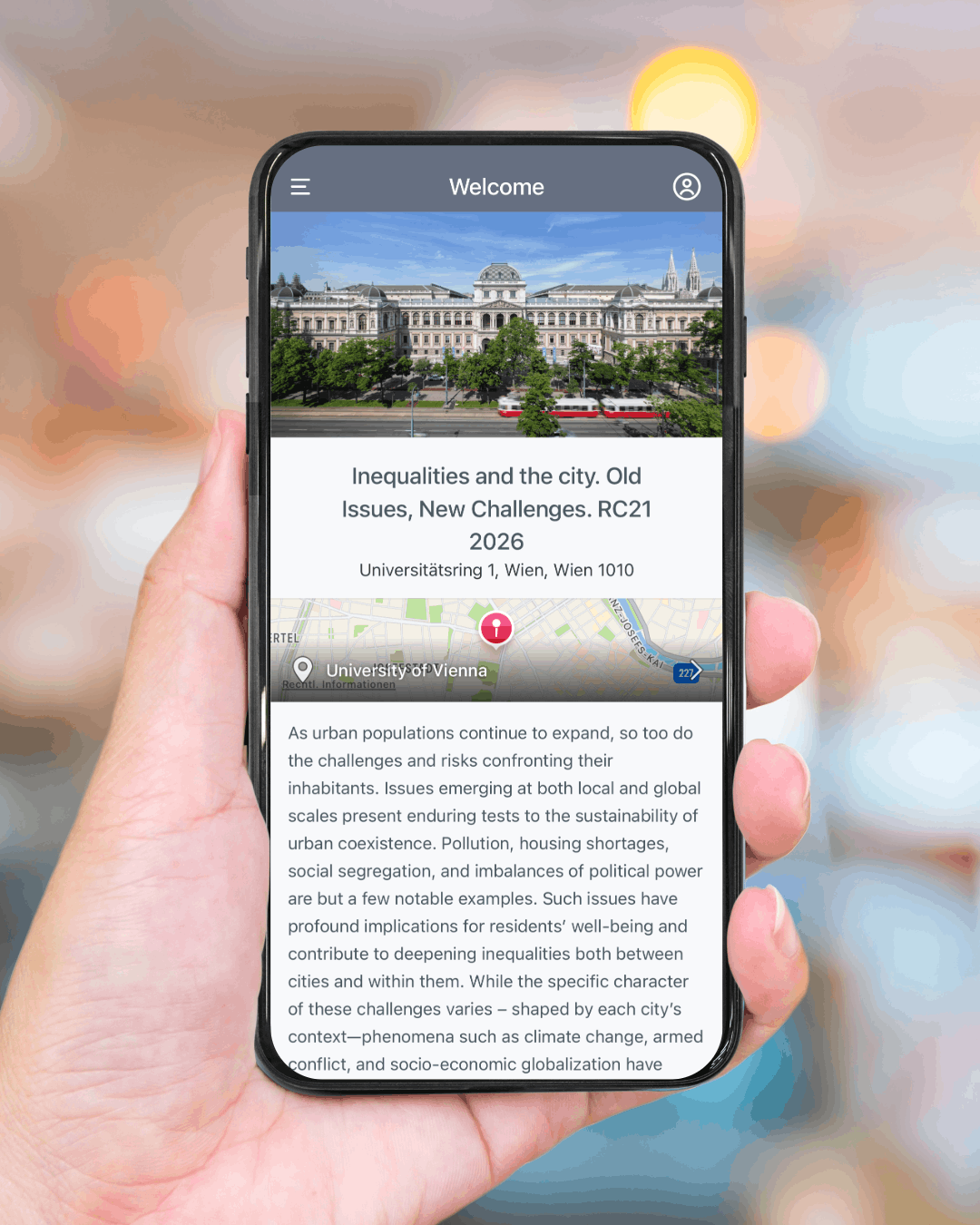
Stay up to date on the conference with the Ex Ordo App!
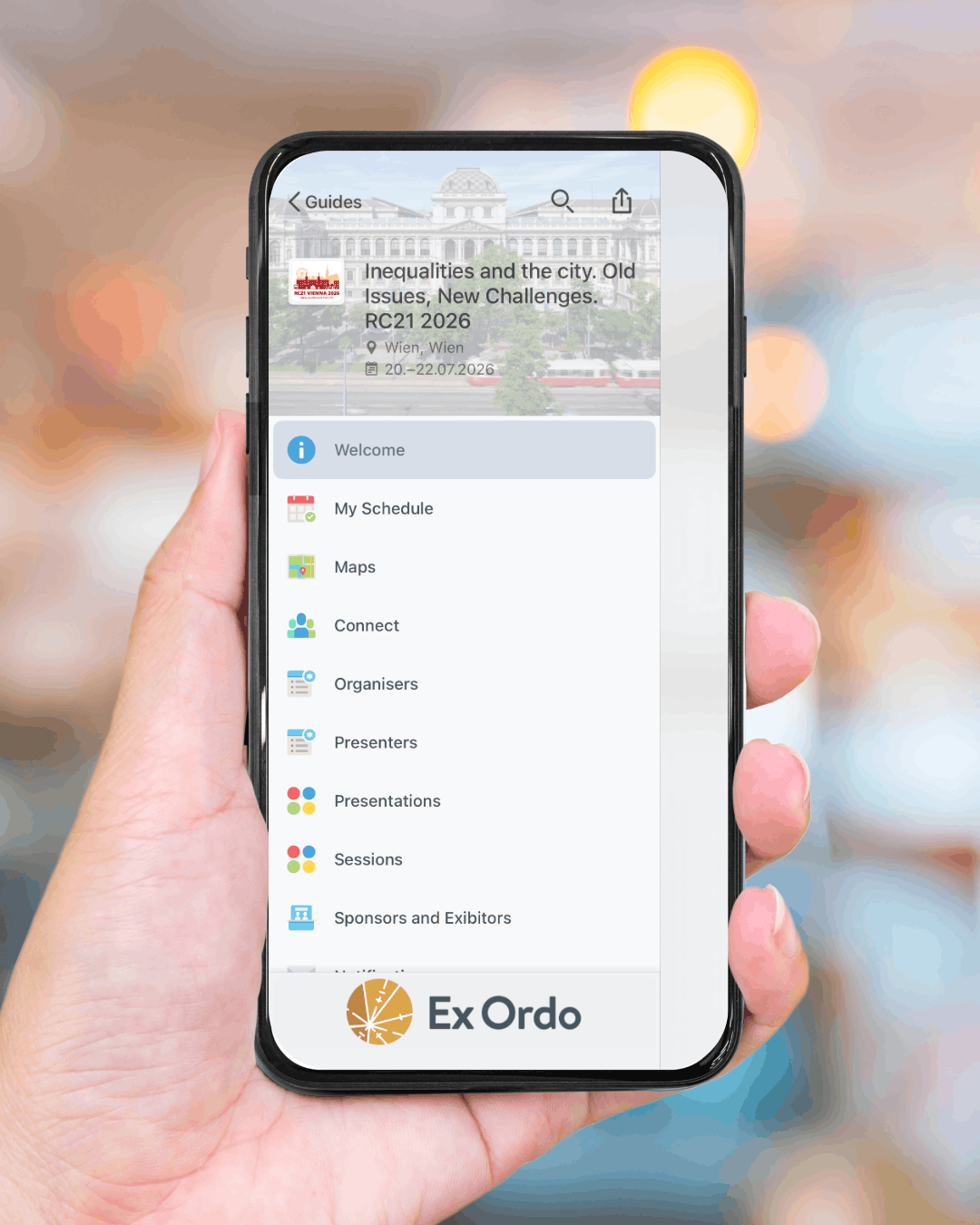
100% Paperless conference
For the sake of the environment, the conference will not use paper handouts but will rely solely on the digital conference app.
With the app, you can:
🔔 Receive important updates and notifications from the conference organisers directly on your smartphone
📅 Plan your conference days by creating your personal schedule, bookmark sessions and deciding which presentations you don’t want to miss
💬 Interact and connect with other conference participants through the app
🗺️ Access maps and room plans to easily find your way to your next session
📖 Access the full conference programme anytime, anywhere
User guidelines – downloading and accessing your guide:
To download this guide on your phone, you will need to do the following:
-
Download the Ex Ordo app on your phone from either the App Store (iOS) or the Google Play Store (Android) The installation process will take a few minutes.
-
Once the app is installed, click the Ex Ordo icon that now appears on your phone screen. You can choose to create an account or log in if you have an existing account.
-
Because this guide requires a passphrase, you will need to navigate to the Find Guides tab and click on the Have a Passphrase button. Registered conference participants received an email (Subject line: Final Mailing – RC21 2026) including the passphrase for the app on Tuesday, 14 July 2026. If you have not received this email, please contact the local organising committee at info@rc21-vienna2026.org.
If you would like to receive notifications from the conference organisers and interact with other users of the guide you will have to log in.
NOTE: You have to create a new account for logging into the guide. Your Ex Ordo credentials won’t be recognised in the mobile app when you try to log in.
Click here to access the web-version of the conference app on your laptop or PC.
App Store (iOS)
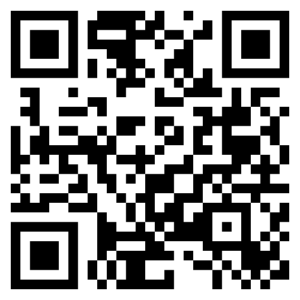
© The App Store is a registered trademark of Apple Inc.
Play Store (Android)
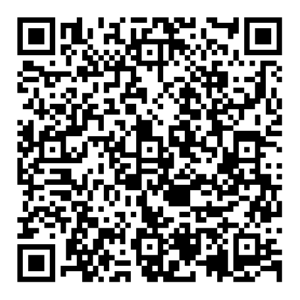

© Google Play is a trademark of Google LLC.